How to Create a Professional Instagram Posting Schedule with Automation
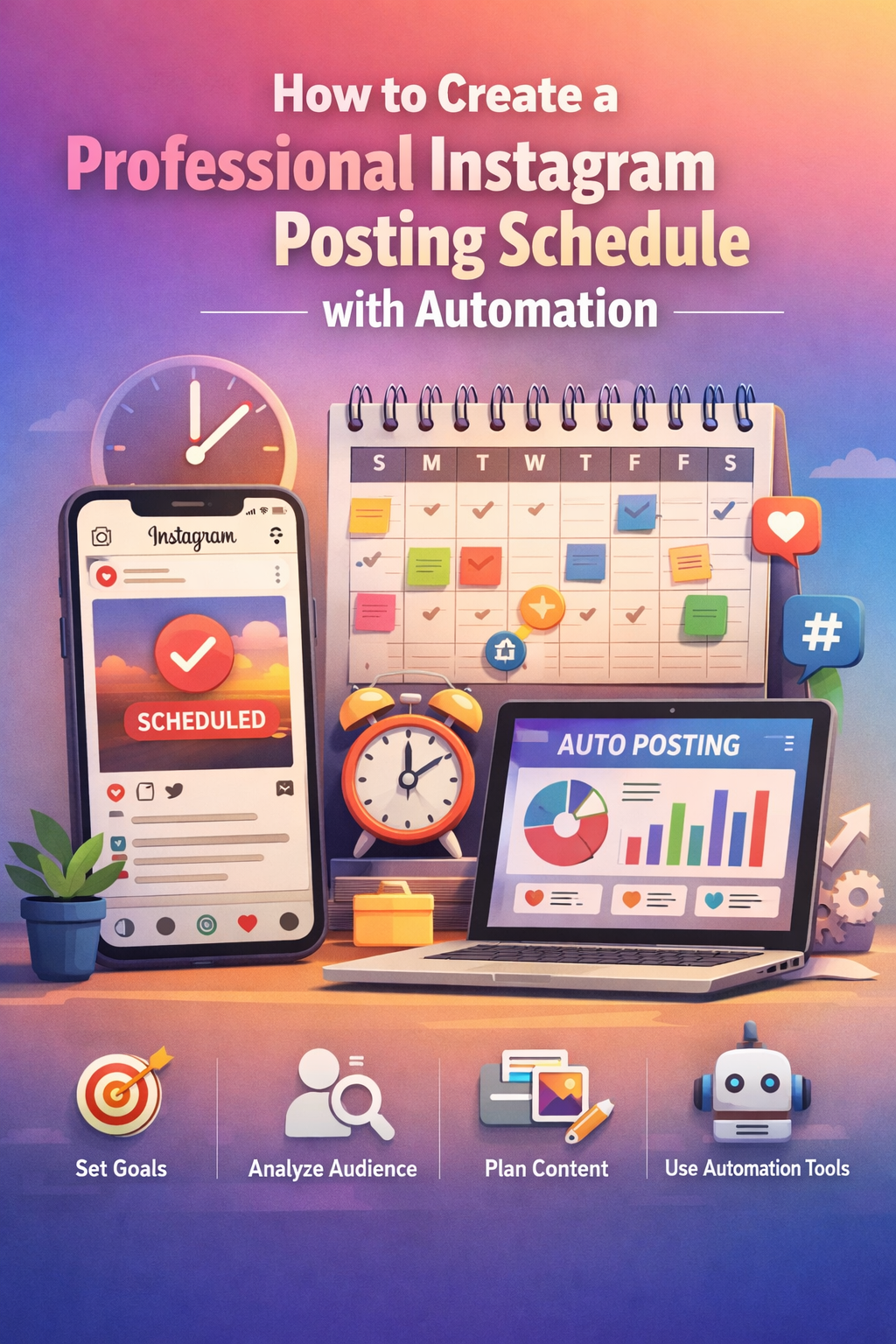
In today’s social media-driven world, Instagram is one of the most powerful platforms for individuals and businesses alike. Whether you’re an influencer, a brand, or a small business, having a well-planned posting schedule is crucial for engagement and growth. But maintaining a consistent presence on Instagram can be time-consuming and challenging. This is where automation comes into play.
Creating a professional Instagram posting schedule with automation is an effective way to optimize your time and ensure that your content reaches your audience at the best times. This guide will walk you through the process of creating a schedule that maximizes engagement while leveraging automation tools.
Why is a Professional Instagram Posting Schedule Important?
Before diving into the “how,” it’s essential to understand why a posting schedule is critical for Instagram success. A consistent posting schedule ensures that your audience knows when to expect new content, increasing the likelihood of engagement. Regular posting also helps maintain visibility and build your brand identity.
Moreover, Instagram’s algorithm rewards consistency. The more often you post, the higher your chances of being seen by your followers and even by new users. This is especially important for businesses aiming to drive traffic, sales, or awareness.
Benefits of Automating Your Instagram Posts
Managing an Instagram account manually can become overwhelming, especially when you have multiple platforms to manage or several accounts to oversee. Automation helps in the following ways:
- Consistency: Automation ensures that your posts go live at the best times, even when you’re unavailable to publish them manually. This consistency is crucial for maintaining engagement with your audience.
- Time-Saving: By scheduling posts in advance, you can free up time for other essential tasks, such as content creation or community engagement.
- Better Planning: Automation gives you the opportunity to plan your content ahead of time. This allows for a more cohesive feed and content strategy.
- Increased Engagement: By posting at optimal times, when your followers are most active, you’re likely to see better engagement rates on your posts.
- Tracking and Analytics: Many automation tools offer analytics features that let you track how well your posts perform. This data can help you fine-tune your content and scheduling strategies.
Step-by-Step Guide to Creating a Professional Instagram Posting Schedule
Now, let’s dive into the steps for creating an Instagram posting schedule and automating it to save time and enhance engagement.
Step 1: Define Your Goals
Before setting up your schedule, it’s essential to define your Instagram goals. Are you looking to increase brand awareness? Do you want to drive traffic to your website? Or is your goal to boost engagement and build a community?
Having clear objectives will help you decide the type of content you need to post and the frequency of your posts. For example, if your goal is brand awareness, you may need to post more frequently, while a content strategy focused on engagement may require fewer but more interactive posts.
Step 2: Understand Your Audience
Understanding your audience is key to crafting a successful posting schedule. You should know when your followers are most active and engaged with your content. This is where analytics tools come in handy.
Instagram Insights provides useful data about when your followers are online. You can access this feature by going to your Instagram Business Profile and navigating to Insights > Audience. This data will tell you when your followers are most active, which helps in determining the best time to post.
If you’re using a third-party automation tool, you may have access to more detailed analytics, which can help you fine-tune your posting schedule even further.
Step 3: Plan Your Content Strategy
A content strategy is crucial for creating posts that align with your goals and resonate with your audience. Here’s a brief breakdown of how to structure your content:
- Content Pillars: These are the main themes or topics that your content will revolve around. For example, a skincare brand might have content pillars like “product tips,” “skincare routines,” and “customer testimonials.”
- Post Types: Include a variety of post types in your content strategy. This can include images, carousels, videos, and stories.
- Engagement Posts: Incorporate posts that encourage interaction with your audience, such as polls, questions, or calls to action (CTAs).
- Promotional Posts: If you’re a business, don’t forget to add promotional content, such as discounts, new product launches, or collaborations.
By organizing your content into categories, you can maintain a balanced and varied feed that keeps your audience engaged.
Step 4: Select an Automation Tool
There are several Instagram automation tools available that can help you schedule your posts in advance. These tools also come with features such as analytics, social listening, and community management. Some of the most popular Instagram automation tools include:
- Later: Later is a powerful Instagram scheduling tool that offers drag-and-drop functionality for scheduling posts. It also includes analytics, Instagram story scheduling, and performance tracking.
- Buffer: Buffer is a popular social media management platform that allows you to schedule posts on Instagram (as well as other platforms). It also provides detailed performance metrics.
- Hootsuite: Hootsuite is another excellent tool for managing social media content across multiple platforms. You can schedule Instagram posts and monitor engagement from one dashboard.
- Planoly: Planoly offers a simple, visual way to plan your Instagram content. It also features analytics to help you track performance.
Once you choose an automation tool, you can upload your content and schedule it for specific times.
Step 5: Create a Posting Schedule
Now that you have your content ready and your automation tool in place, it’s time to create your posting schedule. Here’s how to do it:
- Determine the Frequency: Based on your goals, decide how often you want to post. For most businesses, posting 3-5 times per week is ideal. However, influencers or brands with high engagement might post more frequently.
- Pick the Best Times: Use the data from Instagram Insights or your chosen tool to determine the optimal times for posting. These times will vary based on your audience’s activity, but generally, posting during the day and avoiding late-night hours is recommended.
- Use a Calendar: Create a content calendar to help you stay organized. Your calendar should include details such as post captions, images, hashtags, and the time you plan to post each piece of content.
- Use Buffer Time: Allow buffer time between posts to avoid spamming your followers’ feeds. You don’t want to overwhelm them with too many posts at once.
- Include Story Posts: In addition to feed posts, don’t forget to schedule Instagram stories. Stories can be a great way to connect with your audience on a more personal level.
Step 6: Monitor and Adjust Your Schedule
After you’ve set up your schedule and begun automating your posts, it’s important to monitor their performance. Most automation tools provide detailed insights on engagement, reach, and other important metrics. Use this data to adjust your schedule and posting strategy.
For instance, if you notice that posts made at a particular time tend to get more engagement, consider shifting your schedule to align with these peak hours.
You can also experiment with different types of content or calls to action to see what resonates best with your audience.
Conclusion
Creating a professional Instagram posting schedule with automation is an excellent way to streamline your social media efforts, save time, and improve your content strategy. By planning your content, using automation tools, and analyzing your results, you can ensure that your Instagram presence remains consistent, engaging, and impactful.
Start with defining your goals, understanding your audience, and planning a solid content strategy. Choose an automation tool that fits your needs and set up a posting schedule that works best for your brand. Finally, don’t forget to monitor your performance and adjust your strategy as needed. With a little time and effort, you can build a powerful Instagram presence that drives engagement and growth.
